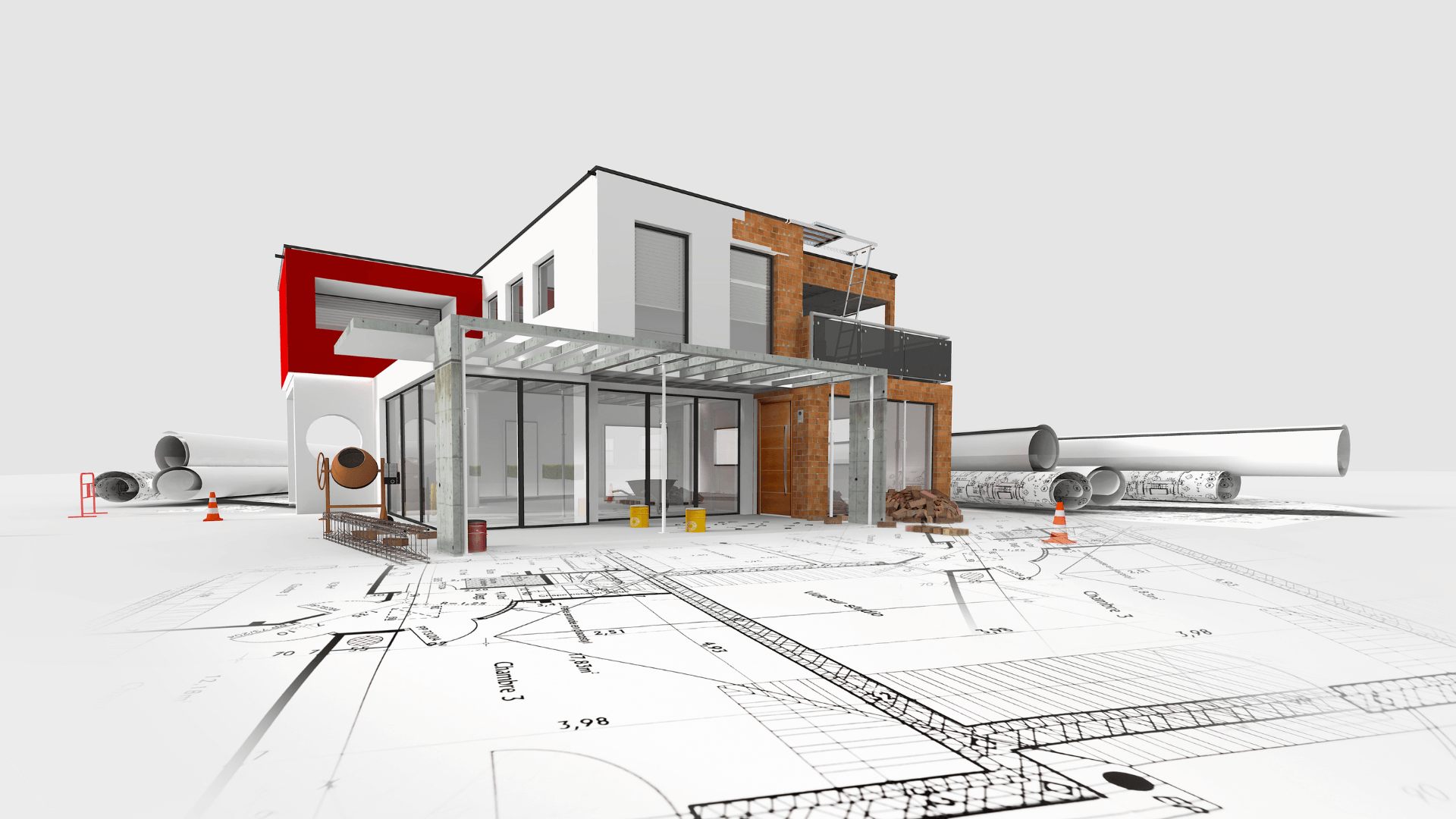
Introduction
BIM 3D (Building Information Modelling in three dimensions) represents a fundamental shift from traditional 2D drafting to object-based, information-rich digital construction. Instead of disconnected lines and symbols, BIM 3D uses intelligent parametric objects: walls, beams, ducts, fixtures each carrying geometric, material, performance, and cost data. This structured approach serves developers, architects, structural engineers, quantity surveyors, and contractors by enabling automated clash detection, quantity take-offs, variant analysis, and coordinated documentation. The promise: fewer RFIs and variation orders, faster regulatory approvals, better stakeholder alignment, and improved project certainty from design intent through to site completion and facilities management.
But here's the gap traditional BIM tools don't solve: Technical coordination alone doesn't secure tenders, convince clients, or accelerate approvals. That's where DX Living goes beyond BIM 3D transforming information-rich models into immersive, decision-ready experiences that win projects faster.
What BIM 3D actually means?
Object vs. Mesh: Parametric elements, metadata, schedules
BIM 3D objects are parametric: change a wall thickness and connected doors, windows, finishes, junctions, and quantity schedules update automatically. Each object carries metadata material specifications, fire ratings, acoustic performance, cost codes, manufacturer details, maintenance schedules. This contrasts with mesh-based 3D models (polygons without intelligence) used in visualisation software, visually accurate but informationally inert.
Object vs. Mesh: Parametric elements, metadata, schedules
| Aspect | 2D CAD | 3D CAD | BIM 3D |
|---|---|---|---|
| Representation | Lines, arcs, text annotations | Solid/surface geometry | Intelligent objects + relationships |
| Information | Manual annotation only | Geometry + limited properties | Geometry + rich metadata + schedules |
| Change propagation | Manual coordination across sheets | Manual coordination across views | Automatic update across all views/schedules |
| Collaboration | Layer/xref conventions | File exchange, no validation | Federated models, clash detection, change tracking |
Where 4D/5D fit and why 3D is the foundation?
- BIM 3D: Geometric + informational foundation
- BIM 4D: Links 3D model to construction schedule (time dimension) visualises build sequence, identifies staging conflicts
- BIM 5D: Adds cost dimension links objects to cost databases, enables real-time budget tracking, variant cost analysis
Without robust BIM 3D (accurate geometry, rich data), 4D/5D workflows collapse schedules link to incorrect quantities, cost data mismatches reality.
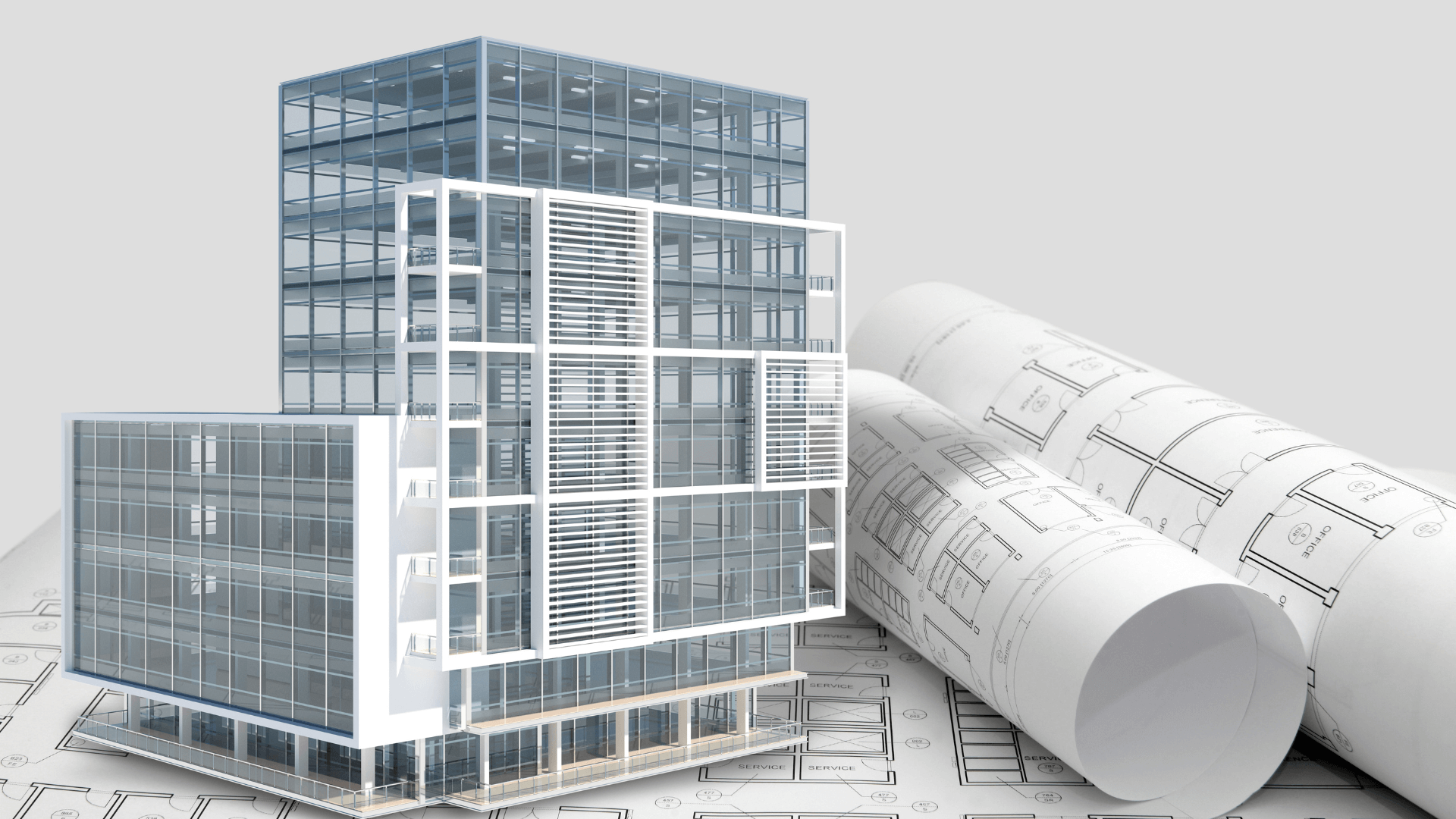
DX Living's Latest Technology Edge
1. Real-Time Material Libraries
Browse verified supplier products (windows, doors, cladding, fixtures) with accurate textures, finishes, costs. Swap instantly see how Supplier A's timber cladding compares to Supplier B's brick in your actual project context.
2. Immersive VR Sign-Offs
Stakeholders navigate at real scale (desktop or headset) validate spatial quality, privacy, sightlines, material combinations. Annotate directly in VR no more "I thought it would look different."
3. Live Scheme Comparison
Compare Variant A (steel frame + curtain wall) vs Variant B (concrete + precast) side-by-side in the same VR session. See cost, programme, carbon impacts simultaneously accelerate consensus.
4. Tender-Ready Visual Packages
Export photorealistic renders, narrated walkthroughs, interactive models differentiate your tender submission with presentations that clients remember.
5. Supplier-Backed Procurement
Every selection links to real SKUs, lead times, pricing. Eliminate "subject to availability" risks your tender reflects build-ready certainty.
DX Living doesn't replace BIM 3D it completes it. Use Revit/ArchiCAD for technical coordination; use DX Living to win tenders, secure approvals, and lock client decisions fast.
Core components of a robust BIM 3D setup
Authoring tools & schemas: IFC, COBie; discipline models
- Authoring platforms: Autodesk Revit, Graphisoft ArchiCAD, Bentley OpenBuildings, Vectorworks
- Open standards: IFC (Industry Foundation Classes) enables interoperability across platforms; COBie (Construction Operations Building Information Exchange) structures FM/asset data
- Discipline models: Architecture (ARC), Structure (STR), MEP (Mechanical/Electrical/Plumbing) developed independently, federated for coordination
Level of development (LOD): 200/300/350/400 targets by phase
| LOD | Description | Typical phase | Detail level |
|---|---|---|---|
| 200 | Generalised geometry, approximate quantities | Concept/Schematic Design | Generic objects, indicative sizes |
| 300 | Specific assemblies, accurate quantities | Design Development | Defined systems, coordinated dimensions |
| 350 | Coordination-ready, interference-checked | Construction Documentation | Clash-free, detailed junctions |
| 400 | Fabrication/installation-ready, manufacturer-specific | Procurement/Construction | Shop drawings, specific products |
DX Living Integration: Import LOD 300+ models directly material intelligence and geometry translate into immersive experiences with verified supplier products applied automatically.
CDE (Common Data Environment): Naming, revisions, approvals, audit trail
ISO 19650-compliant CDEs manage:
- File naming conventions: Project-Originator-Zone-Level-Type-Role-Number-Revision (e.g., PRJ-ARC-01-02-M-A-1001-P02)
- Workflow states: WIP (Work in Progress) → Shared → Published → Archived
- Approval gates: Design freeze, tender issue, construction issue, as-built
- Audit trail: Version history, change logs, approval timestamps, responsibility matrix
Core components of a robust BIM 3D setup
Federation workflow: ARC–STR–MEP merge, rulesets, tolerance strategy
Federated coordination combines discipline models in clash-detection platforms (Autodesk Navisworks, Solibri, BIMcollab):
- Load models: Import ARC, STR, MEP via IFC or native formats
- Apply clash rulesets: Hard clashes (geometry intersections), soft clashes (clearance violations), workflow clashes (sequencing conflicts)
- Set tolerances: 0mm for structural clashes, 50–100mm for MEP clearances (maintenance access)
- Run detection: Automated clash tests generate issue reports
Typical pain points caught in BIM 3D
- Beam/duct conflicts: Structural beams intersecting HVAC ductwork resolve via beam depth optimisation or duct routing adjustment
- Apply clash rulesets: Hard clashes (geometry intersections), soft clashes (clearance violations), workflow clashes (sequencing conflicts)
- Access/maintenance zones: Insufficient clearance around plant equipment, dampers, valves embed manufacturer-specified service zones
DX Living Advantage: Once clashes are resolved in traditional BIM, import clash-free models into DX Living show clients the coordinated solution in photorealistic VR. Tender submissions include "zero-clash certification" with visual proof.
Issue management: BCF/IDs, statuses, ownership, close-out loop
BCF (BIM Collaboration Format) standardises issue exchange:
- Issue ID: Unique identifier linking to specific model element/location
- Status tracking: Open → In Progress → Resolved → Verified → Closed
- Ownership assignment: Discipline responsible for resolution (ARC, STR, MEP)
- Close-out validation: Design coordinator verifies fix, updates model, archives decision rationale
Design to procurement: How BIM 3D feeds decisions
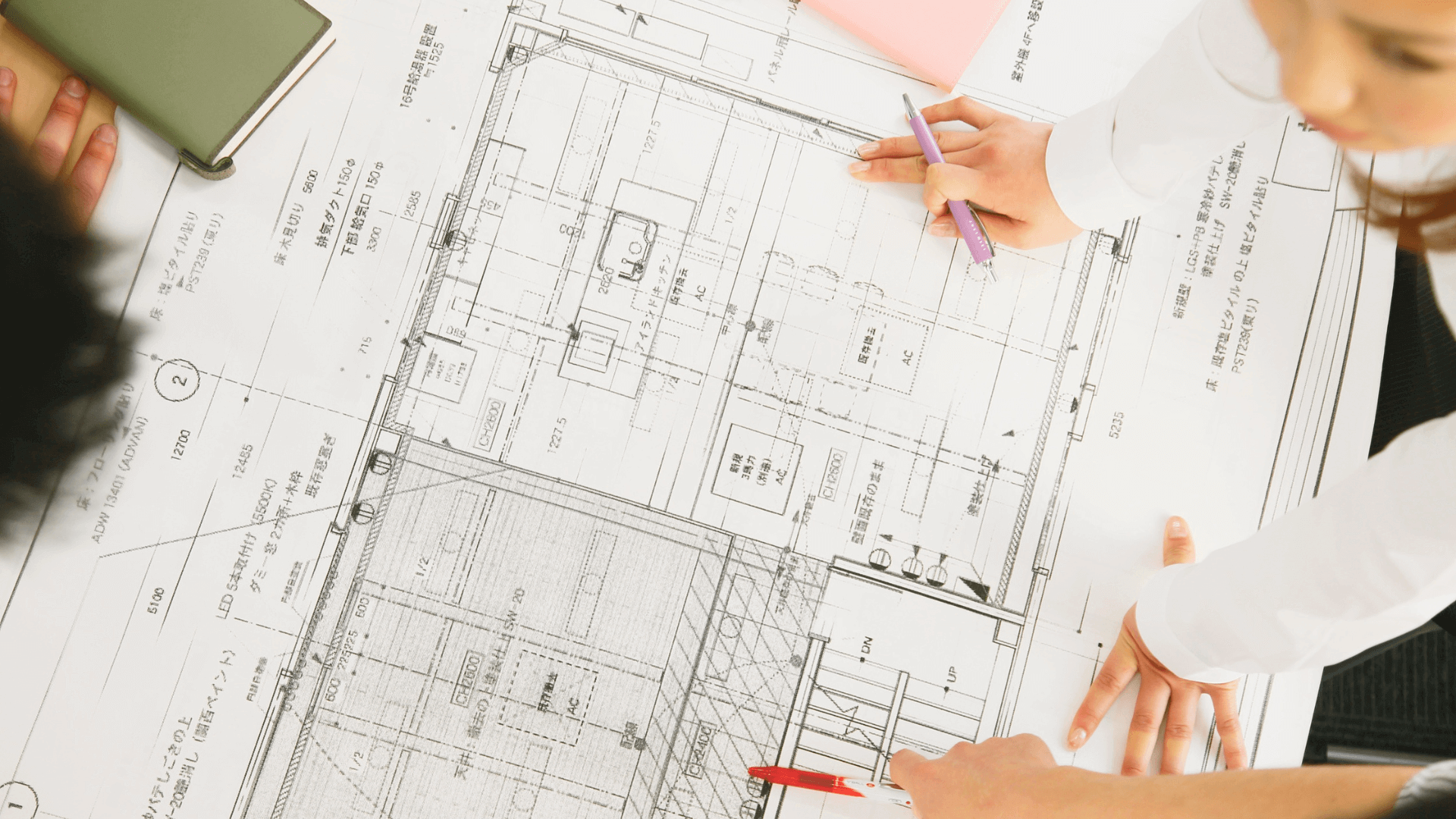
Quantities & schedules from the model
BIM 3D auto-generates:
- Room schedules: Areas, finishes (floor/wall/ceiling), fixtures, lighting
- Door/window schedules: Quantities, types, fire ratings, hardware sets, supplier SKUs
- MEP schedules: Equipment loads, pipe/duct sizes, cable containment, control zones
- Material take-offs: Concrete volumes, steel tonnage, cladding areas, insulation quantities
Accuracy depends on LOD at LOD 300, expect ±5–10% quantity variance; LOD 400 achieves ±2–5%.
DX Living enhancement: These schedules link to real supplier products in an immersive environment. Clients don't just see "oak flooring 120m²" they walk across exact Supplier X engineered oak planks in VR, see grain pattern, sheen, and verify against furniture. Tender accuracy improves, selections are build-ready, not generic.
Variant management (A/B/C) and impact on cost, programme, embodied carbon
Test design alternatives within BIM 3D:
- Variant A: Steel frame + curtain wall façade
- Variant B: Quantities, types, fire ratings, hardware sets, supplier SKUs
- Variant C: Timber frame + brick veneer
Extract comparative data:
- Cost: Material/labour rates linked to objects (5D BIM)
- Programme: Sequencing linked to schedule (4D BIM) Variant B: +3 weeks vs Variant A
- Embodied carbon: Material EPDs (Environmental Product Declarations) embedded in objects Variant C: -40% vs Variant A
DX Living competitive edge for tenders:
Present all three variants in a single VR session to the tender evaluation panel. They experience each option spatially, see cost/carbon/time data overlaid, make informed choices in 30 minutes vs weeks of meetings. Your tender stands out, you're offering decision certainty, not just technical compliance.
Supplier-ready outputs: Model views + annotated sheets + schedules
Export procurement packages:
- 3D views: Isolated systems (kitchen joinery, bathroom pods, façade modules) with dimensions, annotations
- 2D sheets: Plans, elevations, sections, details derived from coordinated model
- Schedules: Quantities, specifications, performance criteria, SKUs
Suppliers receive complete, coordinated information reducing RFIs, pricing ambiguity, delivery delays.
DX Living adds: Interactive VR models for supplier workshops. Kitchen joiner "walks" the space, verifies clearances, identifies issues pre-fabrication. Façade contractor sees cladding in context of neighboring buildings, confirms color/texture match. Fewer site variations = tighter tender pricing = competitive advantage.
Issue management: BCF/IDs, statuses, ownership, close-out loop
"Site Mode" views: Simplified geometry, bold annotations, critical dimensions
Tailor model outputs for site consumption:
- Simplified geometry: Remove minor details (furniture, light fittings); emphasise structural/services elements
- Bold graphics: High-contrast colours, thick lines, large text (readable on tablets/mobiles)
- Critical dimensions: Key clearances, setting-out points, level datums highlighted
Export to PDF, DWG, or cloud-based viewers (Autodesk BIM 360, Procore, Trimble Connect).
AR/VR tie-In: BIM 3D → VR walkthroughs for sign-off; AR overlays for install QA
Traditional BIM workflow:
Export BIM 3D models to VR platforms (Unity Reflect, Enscape) stakeholders navigate at 1:1 scale, validate spatial quality, material selections, sightlines before construction.
Traditional BIM workflow:
- Supplier-verified materials: Every surface shows actual product not generic texture
- Live decision-making: Client sees Kitchen Option A, swaps to Option B instantly, approves in session
- Annotation in VR: Mark issues, request changes, capture decisions exported as action list
- Tender presentation mode: Evaluation panels experience project as if built emotional engagement wins bids
AR overlays: Site teams use AR apps (Trimble SiteVision, Microsoft HoloLens) to overlay BIM 3D onto a physical site to verify placement of MEP services, structural elements, facades against design intent in real time.
As-built capture and asset tagging for FM/O&M
Post-construction, update BIM 3D with as-built data:
- Laser scanning/photogrammetry: Capture installed conditions, compare to design model, document deviations
- Asset tagging: Link physical equipment (chillers, pumps, switchboards) to BIM objects via QR codes/RFID
- COBie handover: Deliver structured FM data (asset registers, O&M manuals, warranties, maintenance schedules)
Quality, risk, and compliance
Information standards (ISO 19650 Principles): WIP/Shared/Published
ISO 19650 defines information management workflows:
- WIP (Work in Progress): Author's workspace unrestricted changes, not for external use
- Shared: Reviewed internally, shared with project team for coordination/comment not construction-ready
- Published: Approved for specific purpose (tender, construction, regulatory submission) change-controlled
Clear state definitions prevent premature use of uncoordinated information.
Tolerances and access requirements embedded in objects
BIM objects should include:
- Fabrication tolerances: ±5mm for precast concrete, ±10mm for steel frame
- Installation clearances: 600mm access zones around MEP equipment, dampers, valves
- Maintenance zones: Swing radii for panel doors, ladder access to rooftop plant
Embedding these as object properties or clash-detection rule parameters automate compliance checking.
Recordkeeping: Decisions, selections, and approvals traceable to model revisions
Link external documents (RFIs, variation orders, approval emails) to specific model versions/elements:
- Hyperlinks in objects: Attach PDFs, emails, meeting minutes to relevant BIM elements
- Revision logs: Track which design changes resulted from which decisions/approvals
- Audit trail: Enable forensic analysis if disputes arise "Why was this duct route changed?"
DX Living adds: VR session recordings with timestamped decisions. Client approves Kitchen Scheme B at minute 12:34 recorded, archived, traceable. Eliminates "I don't remember approving that" disputes.
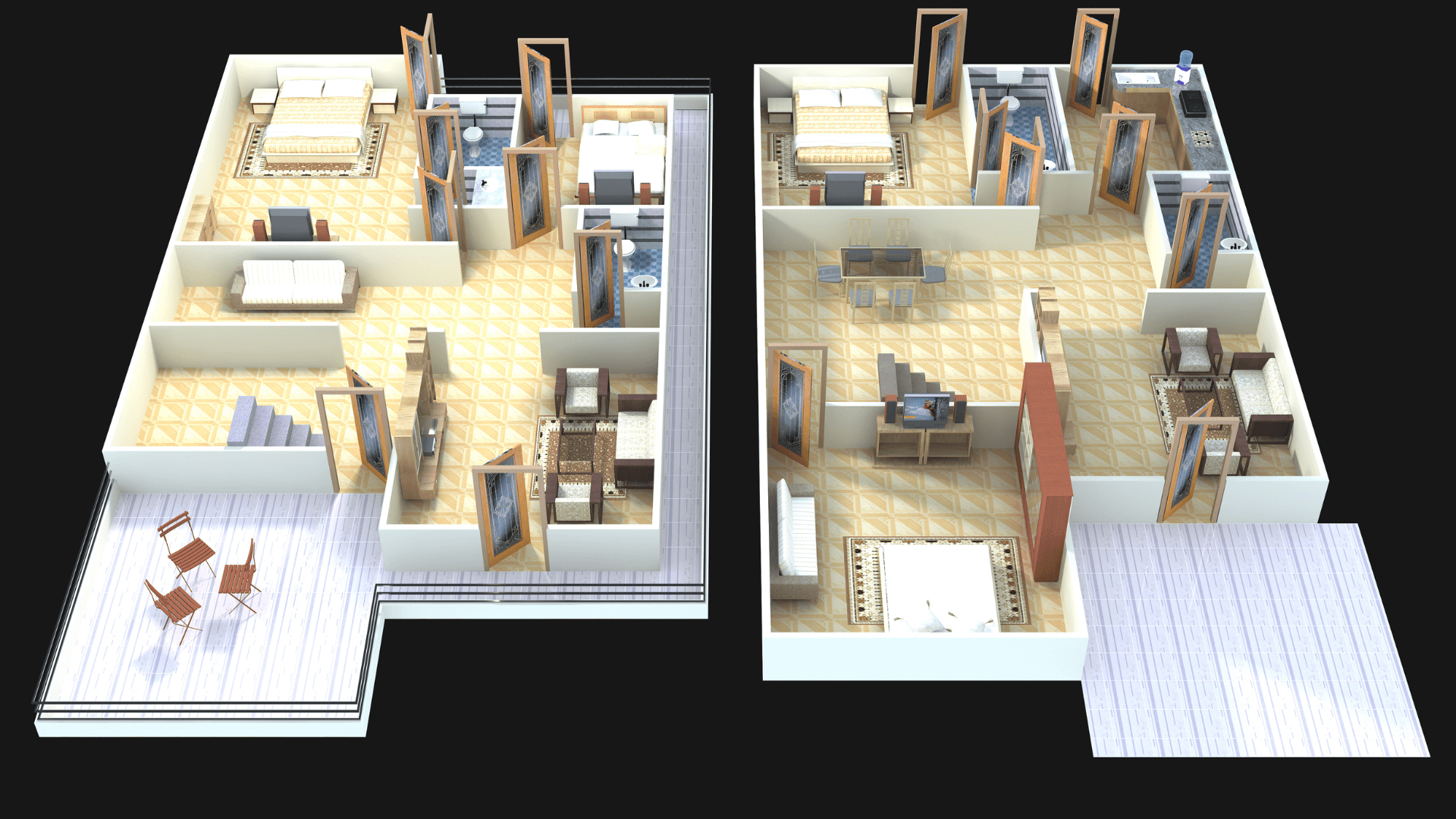
Measuring ROI of BIM 3D
KPIs: RFI rate, Variation value, coordination cycle time, install defects, tender accuracy
Track metrics pre/post BIM 3D adoption:
| Metric | Pre-BIM 3D | Post-BIM 3D | Improvement |
|---|---|---|---|
| RFI rate | 120 per project | 35 per project | -71% |
| Variation value | £180K | £45K | -75% |
| Coordination cycle time | 4 weeks per iteration | 1.5 weeks | -62% |
| Install defects | 18 snags per £1M | 5 snags per £1M | -72% |
| Tender accuracy | ±12% quantity variance | ±4% variance | +67% |
New KPI with DX Living:
Tender win rate: Projects using immersive VR presentations win 40% more tenders vs traditional technical submissions alone.
Case-Style examples: Before traditional BIM vs. after DX Living
Scenario: Kitchen/Bathroom coordination
- Before BIM 3D: Kitchen joinery clash with structural beam discovered on site, £8K rework, 2-week delay.
- With traditional BIM 3D: Clash detected at LOD 300, beam depth reduced 50mm, joinery proceeds uninterrupted.
- With DX Living (Beyond BIM 3D): Clash resolved in BIM. Client then explores the kitchen in VR and realizes the preferred appliance (different supplier) doesn't fit the revised beam zone. Swap to alternative supplier products in VR session, verify fit, approve all before tender submission. Zero site surprises, competitive tender pricing locked.
Scenario: Tender presentation
Traditional approach: Submit 200-page technical document, static renders, 2D drawings. The evaluation panel struggles to visualize the outcome. The decision was delayed 6 weeks.
With DX Living: Submit interactive VR walkthrough + photorealistic video. Evaluation panel experiences project in 30-minute session, sees verified supplier products, understands spatial quality immediately. Approval in 3 weeks your tender stands out as decision-ready.
Leveling up with BIM 3D
Scope focus: Decision-critical zones
Pilot BIM 3D on high-risk, high-value zones:
- Kitchens: Joinery, appliances, services coordination
- Bathrooms: Waterproofing, drainage, fixture placement
- Stairs: Geometry compliance, balustrade coordination
- Facades: Cladding support, thermal bridging, weatherproofing junctions
DX Living pilot: Take clash-resolved BIM model of kitchen/bathroom, apply real supplier products, create VR walkthrough for client sign-off. Prove value: faster approvals, fewer variations, competitive tender differentiation.
Minimum viable standards: Container naming, LOD Targets, clash rules, issue etiquette
Establish baseline protocols:
- Naming: Consistent file/object naming conventions (per ISO 19650)
- LOD: Stage-appropriate targets (LOD 200 @ Concept, LOD 300 @ DD, LOD 350 @ CD)
- Clash rules: Documented tolerance strategy, prioritised clash types (hard → soft → workflow)
- Issue etiquette: BCF workflow, 48-hour response SLA, closeout verification process
Team roles: Information manager, model coordinators, package owners
Define responsibilities:
- Information Manager: Oversees CDE, naming conventions, approval workflows, ISO 19650 compliance
- Model Coordinators: Run clash detection, manage federated model, track issue resolution
- Package Owners (ARC/STR/MEP leads): Maintain discipline models, respond to clashes, update to LOD targets
Clear roles prevent accountability gaps, streamline coordination.
Conclusion
BIM 3D transforms project delivery from design intent to site certainty reducing RFIs, preventing clashes, accelerating approvals, and enabling data-driven decisions. By adopting object-based modelling, federated coordination, LOD discipline, and ISO 19650 workflows, developers, architects, and engineers achieve faster, more predictable, higher-quality outcomes.
But traditional BIM 3D solves only half the challenge of technical coordination. DX Living completes the picture by turning coordinated models into immersive, decision-ready experiences that:
- Win tenders through compelling visual storytelling
- Accelerate approvals via interactive stakeholder sign-offs
- Lock selections with real supplier products before tender submission
- Reduce variations by validating spatial quality pre-construction
- Differentiate your bid with experiences evaluation panels remember
DX Living doesn't replace BIM 3D it evolves it. coordination. From clash-free technical models to immersive visual certainty, we bridge the gap between coordination and confident delivery.
Contact us to audit your BIM 3D workflow, integrate DX Living's immersive platform, and deploy tender-winning visual experiences that turn technical compliance into competitive advantage. Get in touch today to go beyond BIM 3D and transform how you win, approve, and deliver projects.
FAQs
What's the difference between BIM 3D and 3D modelling?
BIM 3D uses intelligent parametric objects with embedded data (materials, costs, performance); 3D modelling (SketchUp, Rhino, Blender) produces visual geometry without information intelligence or automated schedules.
Do we need IFC if we already share RVT/DWG?
Yes, IFC ensures interoperability when collaborators use different authoring platforms (Revit, ArchiCAD, Vectorworks). Native formats (RVT, DWG) risk data loss, proprietary lock-in, and incompatibility.
How do we choose LOD per element?
Align LOD with project phase and decision requirements: LOD 200 for concept (indicative sizing), LOD 300 for design development (coordinated systems), LOD 350 for construction documentation (clash-free), LOD 400 for procurement (manufacturer-specific).
Can BIM 3D reduce programme time?
Yes, earlier clash detection prevents site rework; automated schedules accelerate quantity take-offs; coordinated documentation reduces RFI resolution time. Case studies show 10–20% programme reduction via BIM 3D.
Can BIM 3D reduce programme time?
BIM 3D models export to VR platforms (Unity, Enscape, DX Living) for immersive walkthroughs; AR apps (Trimble SiteVision, HoloLens) overlay BIM geometry onto physical site for installation QA and progress tracking.
Recent Articles
The pre-contract checklist: 18 things to confirm before you sign with a builder
Planning a home cinema in Australia: What drives the cost and how to review it in VR first