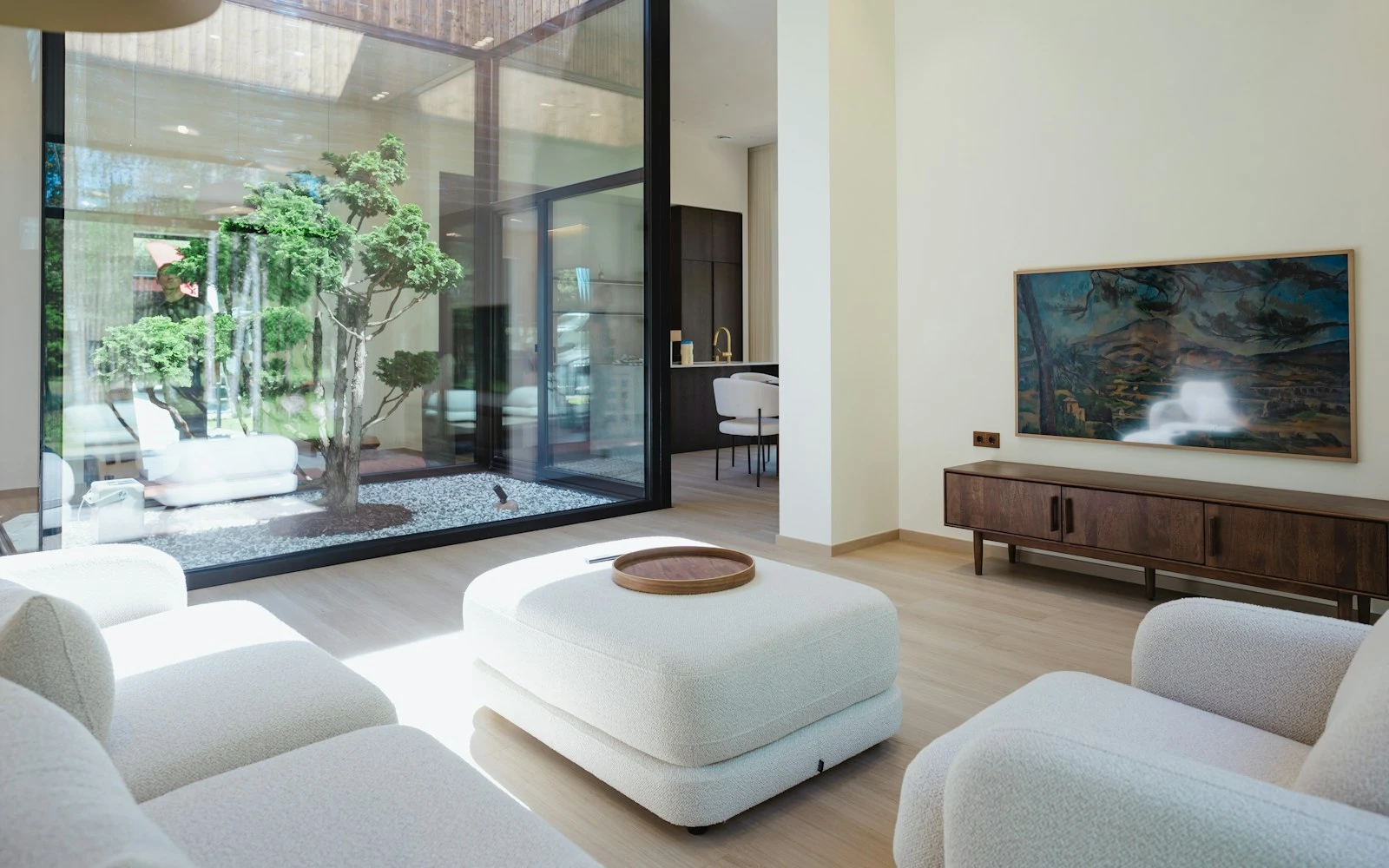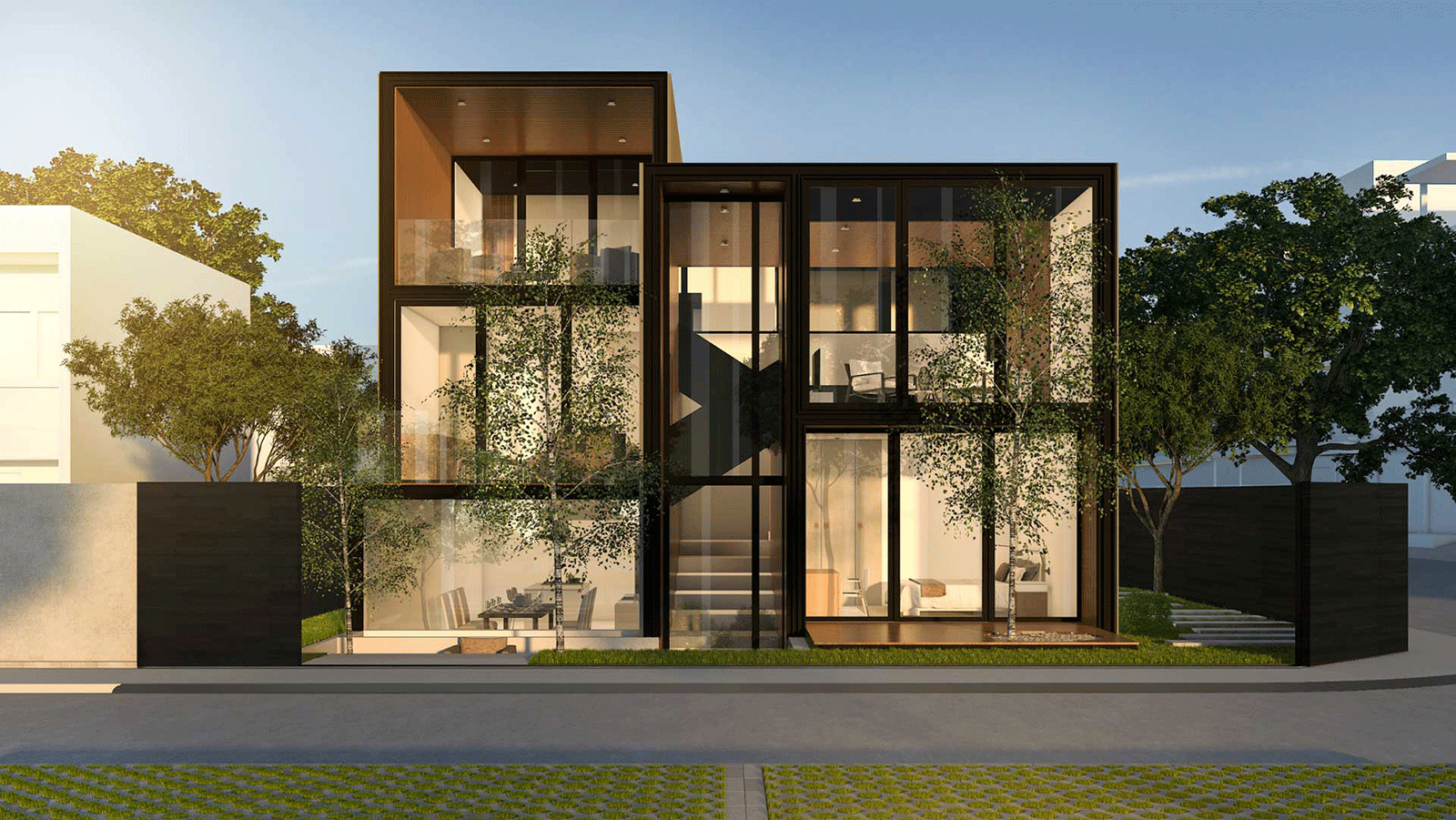
3D house design has moved from a “nice extra” to a core workflow for serious residential projects. Used well, it gives developers, architects, and engineers a shared visual model to test massing, light, materials, and buildability long before anything hits site. This guide walks through a practical, end‑to‑end process from first sketch to VR walkthrough and client sign‑off that you can plug into your current BIM and delivery workflows
Sketch & Site
Site analysis & orientation
Begin with comprehensive site analysis: topography, solar path, prevailing winds, views, privacy constraints, access, drainage, vegetation, easements. Orientation dictates passive solar gain, natural ventilation, and visual privacy fundamental to sustainable, comfortable design.
Define project brief: spatial requirements, performance targets (energy, acoustics), budget parameters, material preferences, timeline constraints. Establish design criteria early to guide decision-making throughout the 3D development process.
Early massing in 2D/3D
Develop initial massing studies in 2D (plan, elevation, section) and simple 3D volumes. Establish structural grids, floor-to-floor heights, and modular dimensions. Test volume, setbacks, building lines, and contextual fit. This low-detail phase (LOD 100) validates feasibility before detailed modelling.
From 2D SMP to base 3D
Turn plans and elevations into a base 3D model.
At the right Level of Development (LOD 200–300), turn approved 2D site management plans (SMPs) and architectural drawings into a base 3D model. Use generic materials but give accurate measurements for walls, floors, roofs, openings, and stairs. Don't worry about how it looks, worry about how accurate it is in space.
Validate room proportions, clearances, door swings
Check with a 3D model:
- Room sizes compared to furniture layouts (how much space there is around the bed and how the seating is set up)
- The heights of the ceilings and the proportions of the visuals
- Door swing clearances (at least 750mm for easy access)
- The rise of the stairs must be less than 220 mm, the going must be more than 220 mm, and the headroom must be at least 2 m.
- Minimum corridor width: 900 mm; preferred: 1200 mm
Early validation stops expensive changes from happening during construction.
Layout options A/B/C
Develop 2–3 layout alternatives addressing different priorities:
- Option A: Make the most of open-plan living and keep traffic to a minimum.
- Option B: Clear zones, soundproofing, and the ability to change in the future
- Option C: A structure that is cost-effective, easy to understand, and made up of standard parts
Set the cameras in fixed positions (kitchen view, living room, master bedroom) so that you can compare them directly. Export the same views for each choice.
Selection criteria: Function, light, cost
Check variants against:
- Functional performance: Flow, storage, accessibility, and flexibility in the future
- Daylighting: how to manage solar gain, the orientation of the room, and the amount of glass in the room
- Cost implications: M&E routing, circulation efficiency, glazing extent, and structural complexity
Use cost models that compare options (cost/m² per option) to help you make decisions.
Daylight & glazing tests
Standard time snapshots (9:00 / 12:00 / 16:00) + night scene
At important times, make it look like natural light:
- 09:00: Quality of morning light, breakfast areas, and home offices
- 12:00: The highest point of daylight and an assessment of solar gain
- 16:00: Light in the afternoon, living spaces, and glare potential
- Night: How well the artificial lighting works, the mood, and the outside look
Use correct weather, date (equinox/solstice), and geolocation data. Find areas that are too bright or too dark early on.
Shading strategy: eaves, fins, screens; glare control
Design external shading devices to control glare and solar gain:
- Horizontal eaves: Good for south-facing elevations; block the high summer sun
- Vertical fins: Keep the low-angle east/west sun in check
- Screens with holes: Cut down on glare while keeping views and daylight
- Retractable awnings and blinds: Control the weather all year round
Internal blinds alone are not enough; external shading keeps heat from getting into the building.
Materials & finishes
Compact palette: Floors/walls/kitchen/lighting
Specify 2–3 primary materials per space:
- Floors: Engineered oak, polished concrete, and large-format porcelain
- Walls: Limewash, micro-cement, wood panels, and paint (warm neutrals) are all used on the walls.
- Kitchens: Cabinets without handles, composite stone worktops, and built-in appliances
- Lighting: LED downlights that are built into the ceiling, linear profiles, and statement pendants
Use real SKUs/suppliers when possible
Use real products with manufacturer codes, finishes, and lead times as examples. This makes sure that:
- Estimating costs correctly
- Renders with realistic texture and color
- Ready for procurement at sign-off
- Less variation orders during the building process
Rule of thumb: One hero element per space
Avoid visual clutter by designating one standout feature per room:
- Living room: fireplace or statement joinery
- Kitchen: pendant lighting that looks like a sculpture or an island
- Master bedroom: a feature wall made of wood or a custom headboard
Restraint makes things look calm and brings out the beauty of the building.
Interior detailing
Storage and joinery logic
Integrate storage into architecture:
- Mudrooms: Storage for boots, hooks for coats, and benches to sit on
- Pantries you can walk into: Cleaning supplies, dry goods, and appliance garages
- Wardrobes that are built in: Handles that are hidden from view and go from floor to ceiling, as well as built-in lighting
Avoid freestanding furniture built-ins preserve spatial clarity and modernist restraint.
Kitchen work triangle, wet area layouts
- Kitchen work triangle: The vertices of the kitchen work triangle (sink, hob, and fridge) should be no more than 6 meters apart, and there shouldn't be a lot of traffic through the triangle.
- Wet areas: Place WCs, basins, and showers for shared services risers; make sure there is at least 1.5m² of clear space to move around.
Layered lighting: Ambient / task / accent, basic acoustics
Put together layers of light:
- Ambient: Recessed LEDs and profiles built into the ceiling (for general lighting)
- Task: Lighting for under-cabinet strips, desk lamps, and mirrors (functional)
- Accent: Wall sconces, uplights, and pendants add visual interest.
Acoustic considerations:
- Set up doors with a sound rating of at least 30 dB between zones.
- Soft finishes include rugs, curtains, and wood ceilings. take in sound
- In places where there is a lot of activity, don't put tile and glass next to each other.
Photoreal 3D renders
Must-have frames
Produce high-quality renders of:
- Facade: Street view, contextual setting, landscaping
- Main living: Open-plan arrangement, daylight quality, material palette
- Kitchen: Work triangle, island, finishes, integrated appliances
- Master suite: Bedroom + ensuite, spatial flow, privacy
- Key wet area: Family bathroom or powder room detailing
Standards for output
Produce high-quality renders of:
- Resolution: 3840 × 2160px (4K) minimum for client presentation
- Lens: 35–50mm equivalent (avoid distortion)
- White balance: Daylight (5500–6500K) or warm interior (2700–3000K)
- File naming: Project-Room-View-Date.jpg (e.g., Oakwood-Kitchen-Island-20250115.jpg)
Walkthrough & VR
60–120s flythrough with scene list
Create narrated video walkthrough:
- Entry sequence: Approach, façade, entry transition
- Anchor points: Living, kitchen, master suite, outdoor room
- Exit points: Return to exterior, contextual overview
Duration: 60–120 seconds (longer loses attention). Use smooth camera paths, consistent speed (0.5–1.0 m/s), and strategic pauses at key spaces.
VR review flow: Markups inside the model, snapshots, comment log
Enable immersive VR reviews using platforms like DX Living:
- Navigate freely: Walk through spaces at real scale
- Mark up live: Annotate walls, floors, fixtures with comments
- Capture snapshots: Document issues, alternatives, approvals
- Comment log: Export timestamped feedback for design team action
VR accelerates stakeholder alignment and reduces misunderstandings vs. 2D drawings or static renders.
Cost & timeline
Drivers: Model complexity, detail level, number of iterations/variants
Cost/time influenced by:
- Geometry complexity: Simple boxes vs. complex curves, cantilevers
- Level of detail (LOD): Generic (LOD 200) vs. manufacturer-specific (LOD 400)
- Material library: Standard textures vs. custom scans, real SKUs
- Iteration rounds: Client revisions, layout alternatives, finish changes
Cost & timeline
Indicative timelines (single residential project, experienced team):
| Phase | Duration |
|---|---|
| Base 3D model (LOD 200) | 3–5 days |
| Layout variant (each) | 2–3 days |
| Daylight analysis | 1–2 days |
| Material application | 2–3 days |
| Photorealistic render (per frame) | 1–2 days |
| Walkthrough video | 2–4 days |
| VR environment setup | 1–2 days |
Total workflow: 2–4 weeks depending on scope, complexity, and revision cycles.
Common pitfalls & fixes
| Pitfall | Fix |
|---|---|
| Over-glazing without shading → overheating, glare | Add eaves, fins, external blinds; specify solar-control glass |
| No storage strategy → clutter, visual chaos | Integrate built-ins early: mudrooms, pantries, wardrobes |
| Too many "features" → confused aesthetics | Apply "one hero element per space" rule; edit ruthlessly |
| Ignoring acoustics → noise bleed between zones | Specify acoustic doors, soft finishes, avoid hard parallel surfaces |
| Unrealistic materials → client disappointment | Use real SKUs, manufacturer samples, accurate textures in renders |
Sign-off package
Deliverables
- Photorealistic renders: All key frames (façade, living, kitchen, bedrooms, bathrooms)
- VR environment: Interactive model for headset or desktop review
- Model formats: Native file (Revit, ArchiCAD) + open formats (IFC, FBX, OBJ)
- Selections schedule: Materials, finishes, fixtures with SKUs, lead times, costs
Deliverables
Create approval checklist:
| Room | Materials | Lighting | Fixtures | Lead Times | Approved |
|---|---|---|---|---|---|
| Kitchen | Cabinetry, worktop, splashback | Under-cabinet, pendants | Sink, tap, appliances | 8–12 weeks | ✔ |
| Master Bath | Tiles, vanity | Mirror lighting, downlights | Sanitaryware, mixer | 6–10 weeks | ✔ |
This matrix prevents scope creep and confirms procurement readiness.
FAQ
Do I need a VR headset?
No most platforms (including DX Living) offer desktop VR modes using mouse/keyboard navigation. Headsets (Meta Quest, HTC Vive) enhance immersion but aren't mandatory for effective reviews.
How accurate are renders?
Photorealistic renders using physically-based rendering (PBR) engines (V-Ray, Enscape, Lumion) accurately represent materials, lighting, and spatial relationships when built from precise 3D models with real product specifications.
How many revision rounds are typical?
2–3 revision cycles per phase are standard: initial presentation, client feedback, design refinement, final approval. More iterations suggest unclear brief or insufficient upfront validation.
Can we switch materials live?
Yes platforms like DX Living enable real-time material swapping. View different flooring, cladding, or worktop options instantly without re-rendering, accelerating decision-making.
What's the difference between 3D renders and VR walkthroughs?
Renders are static images from fixed camera positions. VR walkthroughs are interactive users navigate freely, experiencing spatial relationships and scale at 1:1. Both serve different purposes: renders for formal presentations, VR for spatial validation.
How do 4D simulations help?
4D BIM links construction schedules to 3D models, visualising build sequence over time. Helps identify logistics constraints, coordinate trades, communicate timelines to clients, and assess impact of design changes on programme.
Recent Articles
The pre-contract checklist: 18 things to confirm before you sign with a builder
Planning a home cinema in Australia: What drives the cost and how to review it in VR first